Introduction
Beautiful music and stunning visuals are key to video success. However, music and visual assets are also the biggest sources of YouTube copyright issues. If you want to avoid annoying Content ID claims or even copyright strikes on your channel, understanding and properly acquiring music and asset licenses is crucial. This article will guide you through channels for legally obtaining assets, allowing you to create with confidence, free from copyright disputes.
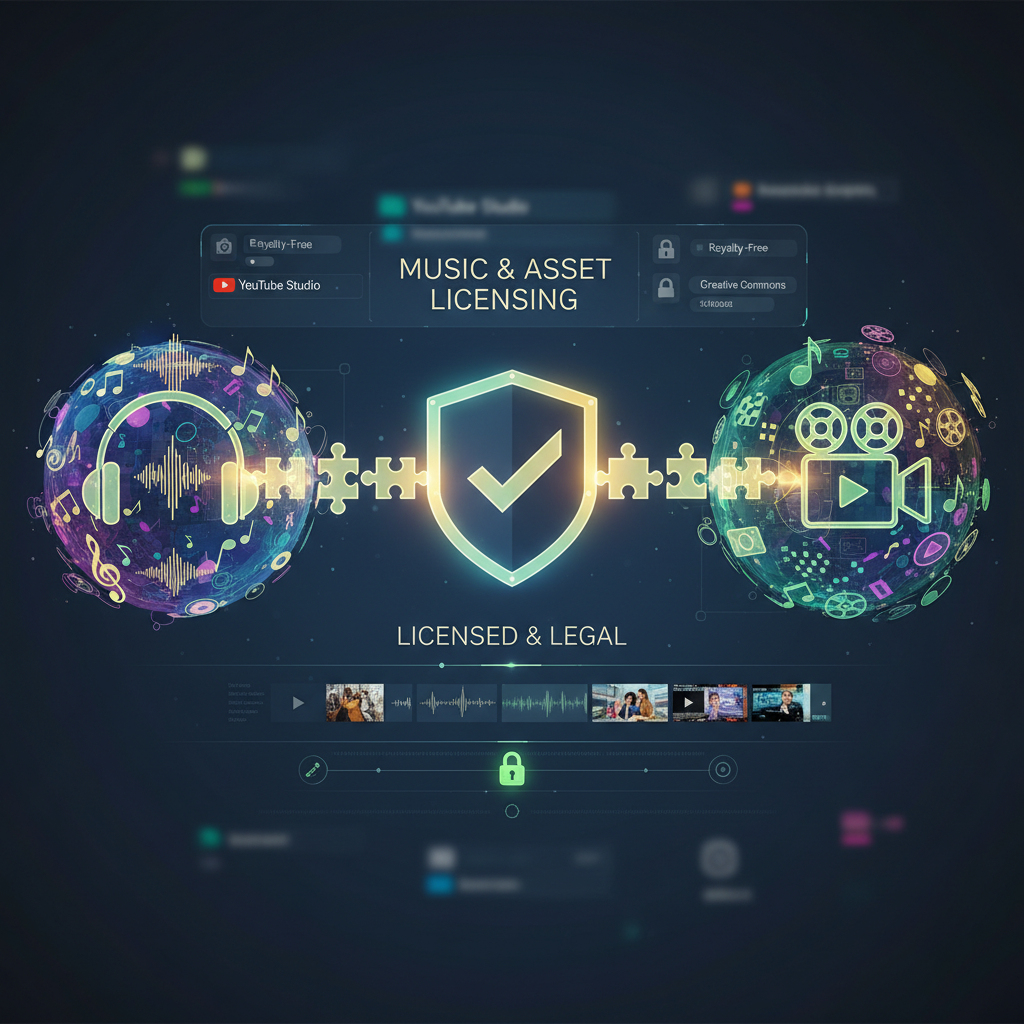
Three Main Sources for Legal Music Assets
To ensure your video content is legal and compliant and to avoid automatic Content ID detection, here are three main sources you can rely on:
1. YouTube Creator Music
YouTube’s official solution, especially suitable for creators looking to legally use popular music in their videos.
- Advantage: Official tool, guaranteed safety, can be browsed and managed directly within YouTube Studio.
- Two Modes:
- Direct Licensing: Pay a one-time fee to get permission to use music in your video and retain all revenue.
- Revenue Sharing: Use some music for free, but the ad revenue generated by the video will be shared with the copyright owner.
2. Royalty-Free / Copyright-Free Music Libraries
These platforms typically offer subscription services, allowing you to legally use their vast libraries of music and sound effects during a paid period or after paying per item.
- Common Platforms:
- Epidemic Sound, Artlist, Musicbed: Well-known paid platforms offering high-quality music and flexible licensing options.
- YouTube Audio Library: YouTube’s official free music and sound effects, covering various genres, and usually no attribution required (but always check specific requirements for each track).
- Caution: You must strictly adhere to the Licensing Terms of each platform or individual track. For example, some require Attribution in the video description, while others prohibit modifications.
3. Public Domain & Creative Commons
These are also important avenues for obtaining legal assets, but require careful discernment.
- Public Domain:
- Refers to works where copyright has expired (usually 50-70 years after the author’s death) or works that were never copyrighted. These works can be freely used, modified, and distributed without permission.
- Challenge: Confirming if a work is truly in the public domain can be complex, with different laws in different countries.
- Creative Commons (CC) License:
- Allows creators to use others’ works for free under specific conditions. However, it’s not entirely free; you need to confirm the specific CC type:
- CC BY (Attribution): Requires crediting the original author.
- CC BY-SA (Attribution-ShareAlike): Requires crediting the original author, and your modified work must also use this license.
- CC BY-NC (Attribution-NonCommercial): Requires crediting the original author, but cannot be used for commercial purposes.
- CC BY-ND (Attribution-NoDerivatives): Requires crediting the original author, but cannot modify or adapt the work.
- Important: Always confirm you understand and can meet the specific CC license requirements.
- Allows creators to use others’ works for free under specific conditions. However, it’s not entirely free; you need to confirm the specific CC type:
How to Correctly Provide “Attribution”
If your license requires attribution, make sure to do it clearly and accurately, otherwise your attribution might be considered invalid.
Copy-Paste Template for Video Description:
Song Title: [Song Name Here]
Artist/Author: [Artist or Author Name Here]
License Type: [Specific License Type, e.g., CC BY 3.0]
Original Link: [Link to Original Work or License Page Here]
Conclusion
Legally acquiring music and assets is the cornerstone for YouTube creators to avoid copyright disputes. Taking the time to understand different license types and consistently obtaining content from reliable sources will enable you to create with peace of mind, focusing on delivering more engaging content to your audience.